

Documentation Index
Fetch the complete documentation index at: https://dashgram.mintlify.app/llms.txt
Use this file to discover all available pages before exploring further.
Get Started in 3 Steps
Create account & project
Sign up at app.dashgram.io and create a project to get your
project_id and access_key.You’ll receive immediate access to the dashboard and API credentials.
Choose your path
Select whether you’re building a Telegram Bot or a Telegram Mini App:
Telegram Bot
Use API proxy or SDKs for Python, Go, Node.js
Telegram Mini App
Use JavaScript or React SDKs
Telegram Bot Integration
The fastest way to get started is using Dashgram’s Bot API proxy. Just point your bot library to our endpoint:Python
Our Python SDK for seamless integration with aiogram, python-telegram-bot, and pyTelegramBotAPI.
Go
Our Go SDK for seamless integration with tgbotapi and telebot.
Node.js
Our Node.js SDK for seamless integration with Telegraf, grammY, and bot-api.
Telegram Mini App Integration
Add Dashgram to your Mini App with just a few lines of code.JavaScript SDK (CDN)
HTML Example
HTML Example
Track custom events (optional)
Track custom events (optional)
React SDK
Installation & Setup
Installation & Setup
Track custom events (optional)
Track custom events (optional)
JavaScript SDK Docs
Complete API reference and examples
React SDK Docs
Hooks, providers, and React patterns
You’re All Set! 🎉
Your Telegram application is now connected to Dashgram. Analytics data will start flowing immediately.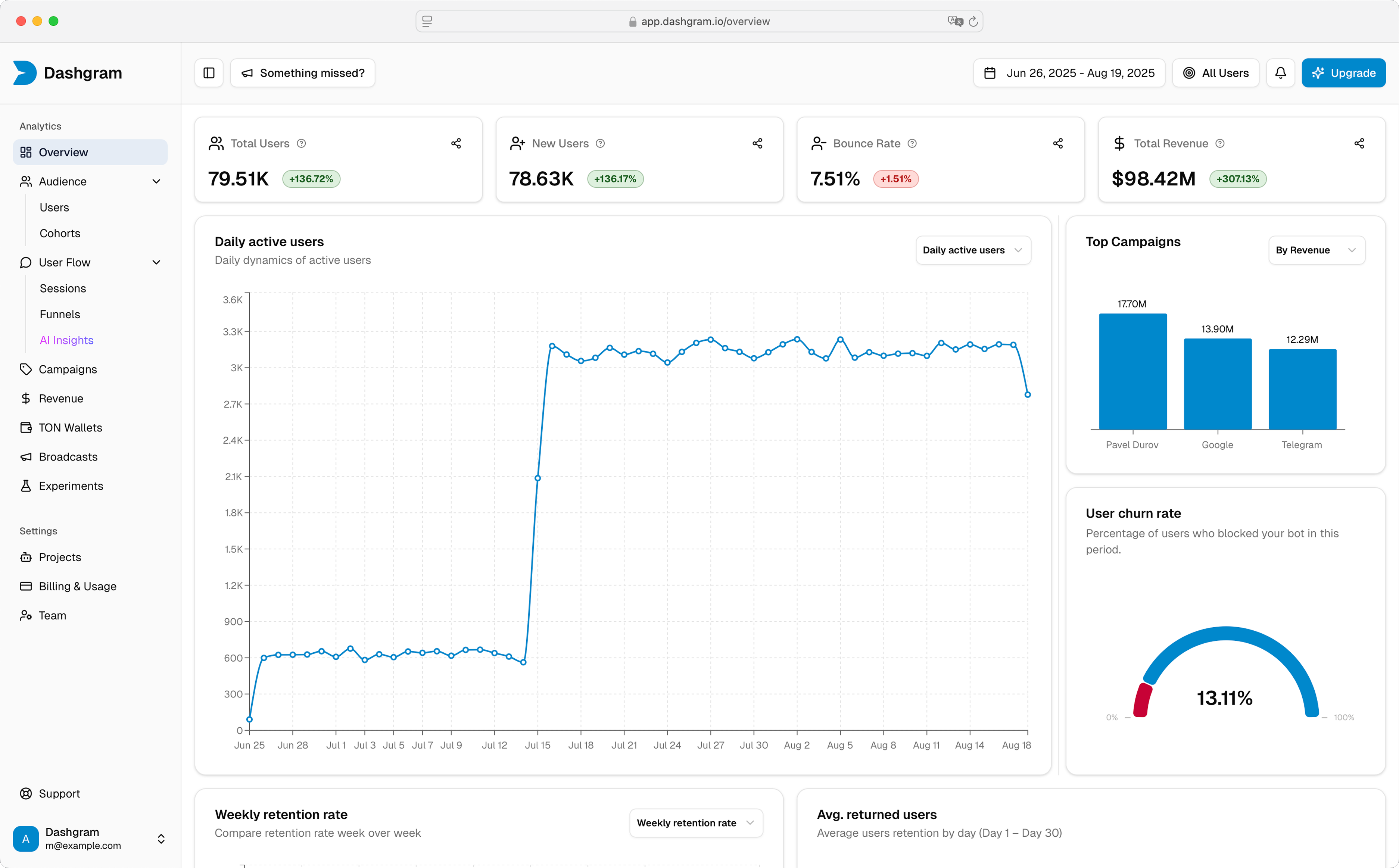
What’s Next?
Bot Analytics
Explore bot-specific features, SDKs, and advanced tracking
Mini App Analytics
Learn about tracking levels, performance monitoring, and more
API Reference
Use the REST API for custom integrations
Dashboard
View your analytics dashboard